See how ComplyZero would work for your business.
A 25-minute walkthrough built around your business. See the product, talk through setup and find the right plan. After the call, we send you a written list of the gaps we discussed and what to tackle first.
- 25 minutes
- On Google Meet
- Free, no obligation
Built by data protection lawyers and cybersecurity experts.
Book your demo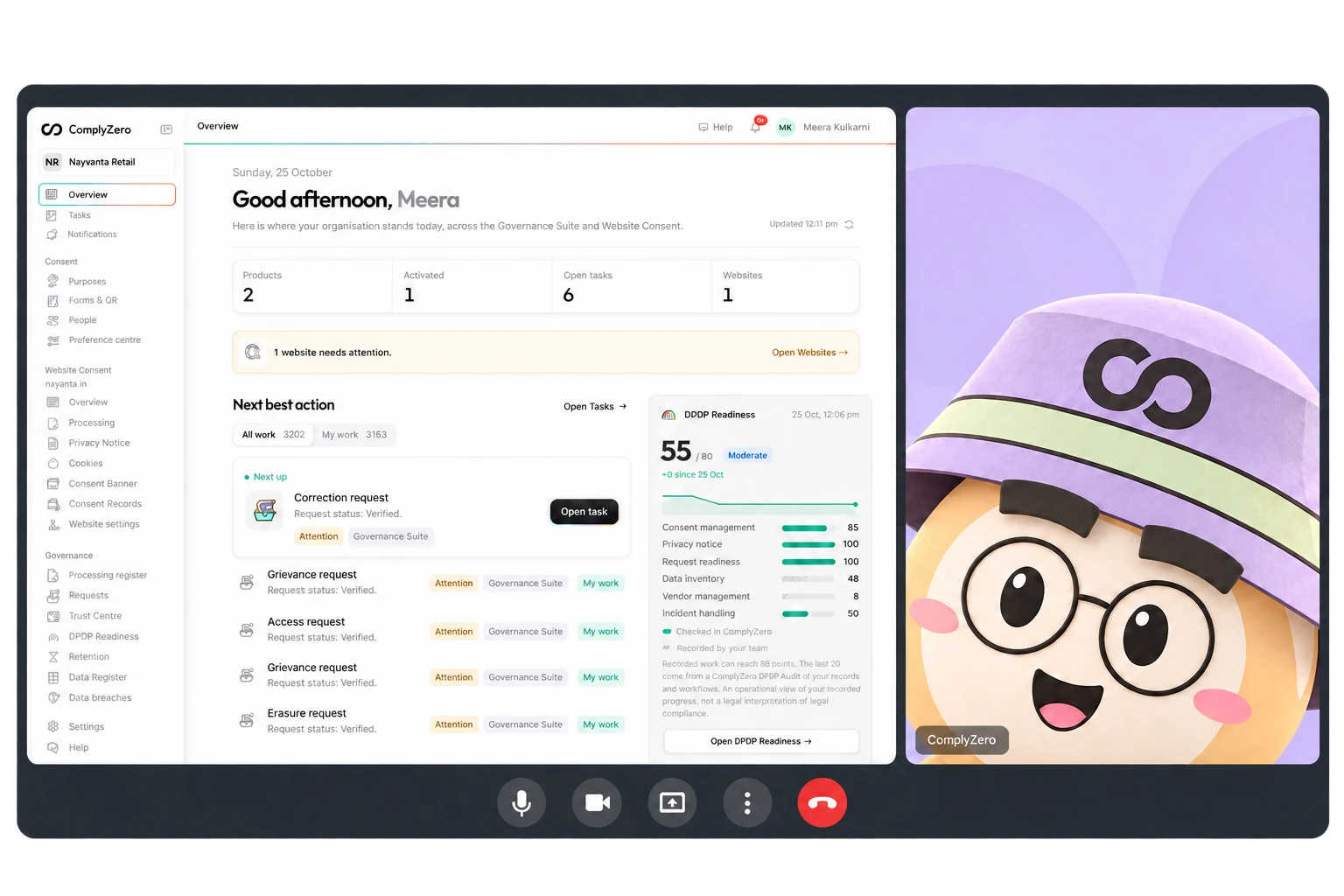
Book your demo.
A few details, then a time that works for you.
What happens in the 25 minutes
- Your business and your questions. We start with how you collect and use personal data, and what you want in place first.
- The parts of the product that matter to you. A walkthrough on the real product, with the records and results it produces.
- A clear next step. How setup would work for your team, which plan fits and what it costs.
You leave with a plan. Written for your business.
After the call we write you a plan tailored to your business: the gaps we spotted, the facts still to confirm and what to tackle first. It is yours to keep, whether or not you buy.
- Written from your call, about your business.
- Plain words, in the order we would do things.
- Useful on its own, even if you never sign up.
Before you book.
Who will I talk to?
Someone from our team who knows the DPDP Act and the product inside out. It is a conversation about your business, not a scripted pitch. If a question needs a legal view, we bring in our legal team or answer it in writing after the call.
Do I need to prepare anything?
No. If you have a minute, think about where your customer and staff details live today. We cover everything else on the call.
Is the demo really free?
Yes. The walkthrough and the written follow-up cost nothing, and there is no obligation to buy.
Is this a legal audit?
No. It is a product walkthrough with practical guidance. If a question needs a legal opinion on your situation, we say so and explain what that involves.
Can I bring colleagues?
Yes. Forward the calendar invite to anyone who should be there: whoever handles customer data, IT or the person who signs off.
None of the times suit me.
Write to sales@complyzero.com with a few times that work and we will set it up.
Twenty-five minutes. A clear plan at the end.
Pick a time that suits you. Or look at the plans first and come back when you are ready.