DocsAccount and team
Plans and billing
Billing shows the plan for each of your products, every invoice and credit note, and the details printed on them. Website Consent plans are bought per website; the Governance Suite is priced with our team.
Read the video as text
Billing shows your plans, your invoices and the details printed on them. Open Settings, then Billing. Website Consent plans are per website. Here's this website's plan, its period, and what it costs. For more consent choices a month, or another website, select Review available plans. Compare the plans, monthly or yearly, and choose one. You'll see the exact amount before you pay. If a website uses up its monthly allowance, the banner keeps working and keeps recording choices. The Governance Suite is priced with our team. When your plan is ready, we send you a link to review and accept it. Invoices has every invoice, ready to download. And Billing Info holds the name, address and tax details printed on them.
See your plans
Select Settings, then Billing. You need permission to see billing; the Owner and Administrators have it, and changing a plan needs permission to manage billing too. The Website Consent and Governance Suite tabs each show your current plans 1: for a website, its plan, its period and what it costs.
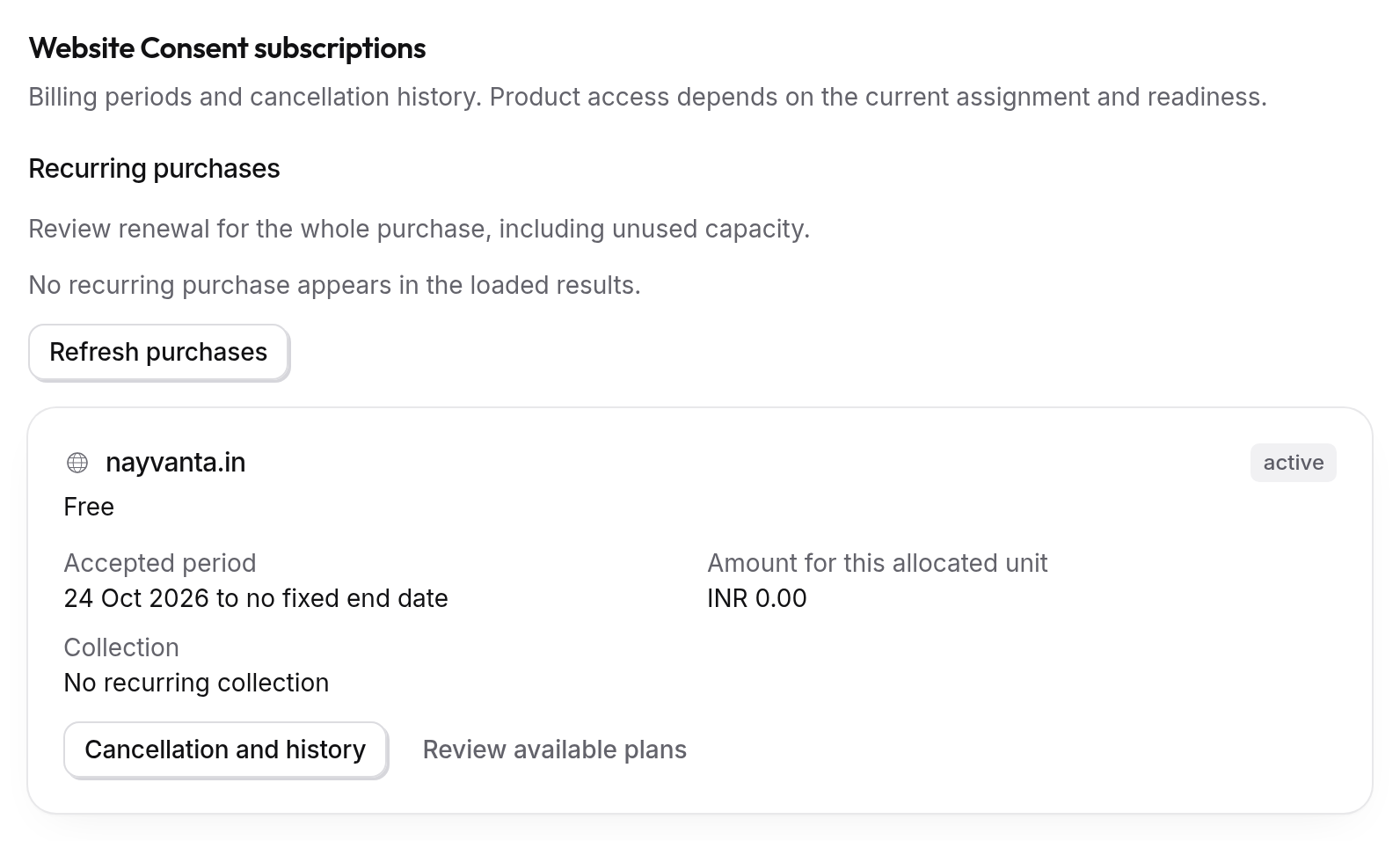
Choose a plan for a website
Each website has its own plan, and each plan comes with a monthly allowance of consent choices. A website's Overview shows how much of this month's allowance it has used, and warns you as it gets close. If the allowance runs out, your banner keeps working and keeps recording choices; we'll suggest a plan with a higher allowance.
The Free plan covers one website. For another website, or for more consent choices a month, open Review plans for a website, or Review available plans beside a website, compare the plans and select Choose this plan.
Before you pay, you review the exact amount. Tick I confirm this exact payment request and remaining amount and select Prepare checkout to pay online. The plan starts once the payment goes through.
The Governance Suite
The Governance Suite is priced for each organisation by our team. When your plan is ready, we send you a link to review and accept it. Talk to us to get started.
Invoices and credit notes
The Invoices tab lists every invoice with its date, amount and status, ready to download. Select View refunds and their credit notes for any refunds.
Your billing details
On the Billing Info tab, save the name, address and tax details to print on your invoices. Invoices already issued keep the details they were issued with.
Cancel a plan
Select Cancellation and history on the plan, then Review cancellation. You see what changes, and when, before you confirm.